 ContractorKeith
 update, september 8, 2026: i have since started OpenContractorOS, a narrower suite of local contractor apps. that is a separate build effort with its own maintenance cost, not a claim that the existing systems below stopped being useful. this article preserves my August evaluation.
i built a complete project management system for my team inside Evernote Teams. then Bending Spoons bought Evernote and i had to move the whole thing.
i went to Notion. that’s another story.
before that, we bought a QuickBooks disk every few years for a couple hundred dollars. now nearly every part of running a business arrives as a monthly charge. one $20 subscription barely registers. then you hire. then you add seats. then the vendor raises the price.
do that across your CRM, files, helpdesk, scheduling, chat, email marketing, social posts, signatures, and the little AI add-on attached to each one. suddenly the software bill has its own zip code.
that is why i wrote the original version of this article on X. i would not vibe-code a CRM from zero just so i could say i built one. i would start with software that already handles the boring parts, configure it, extend it where my shop is different, and keep control of the data.
nobody mentioned here paid me. this is the shortlist i would investigate if i were bootstrapping a home services company today. some of it is open source, some is open core, and one popular automation option is source-available. those differences matter. check the current license and the features in the edition you plan to run before building your company around it.
one system owns the customer and job
the first rule is simple: pick one system of record.
the customer, property, lead, estimate, signed work, job status, invoice, and service history need one canonical home. satellites can read from it or send events back to it, but twelve apps should not each have a slightly different version of Mrs. Smith’s address.
i would start my evaluation with Frappe Framework and its family of apps: Frappe CRM, Helpdesk, Drive, and ERPNext when accounting, purchasing, inventory, projects, and work orders outgrow the lighter setup.
Frappe is a full-stack Python and JavaScript framework for business applications. its DocTypes define the data, forms, permissions, workflows, and API behavior together. that is useful for a home services shop because a job, site visit, change order, warranty call, or equipment record can become a first-class object without rebuilding authentication, role permissions, list views, and reporting every time.
and i would extend it with a separate custom app whenever possible. a maintained custom module is much easier to upgrade than a deep fork where every upstream release turns into a three-day merge fight.
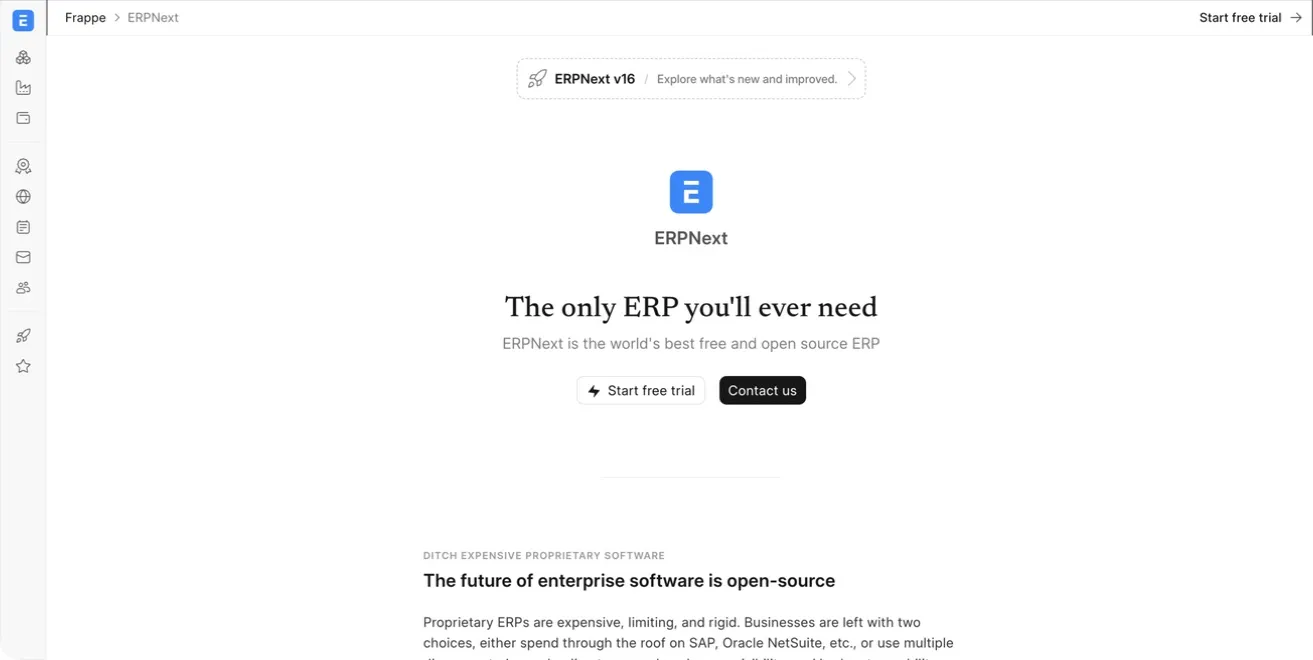
ERPNext already covers more ground than i would use on day one. that is fine. start with leads, customers, quotes, and jobs. add inventory or accounting only after the process is settled and the bookkeeper has signed off on how it should work.
Odoo Community belongs in the same evaluation. i chose Frappe for this example because the Framework and first-party apps give me a cleaner place to add home-services-specific records without pretending i should write the whole back office myself.
the website, SEO, and the first appointment
the public website does not need to live inside the CRM, but the estimate request should land there automatically.
Payload is a good base if i want a custom website in TypeScript. a Payload config generates the admin panel, database migrations, authentication, access control, file handling, and REST and GraphQL APIs. that leaves me working on service pages, galleries, locations, and estimate forms instead of building a CMS before i can publish a page.
Frappe Builder is the other path. it keeps more of the stack in the same ecosystem. i would choose one of them, not both, based on who will maintain the site and how custom the front end needs to be.
OpenSEO gives you keyword research, rank tracking, competitor research, backlinks, site audits, and AI visibility in a tool you can self-host. the code is MIT licensed and it exposes an MCP server for agent workflows. but the search data is not conjured out of the air. a self-hosted install still needs a paid DataForSEO API key, so this replaces a large software subscription with usage-based data costs and your own operation of the app.
that is still a useful trade.
for appointments, Cal.com is a polished option for letting a homeowner book a site visit or callback. a booking can create a lead, activity, or appointment in the core system by webhook. the office should still confirm anything odd. a homeowner who picked the wrong appointment type at 11:48pm should not rearrange three crews without a person looking at it.
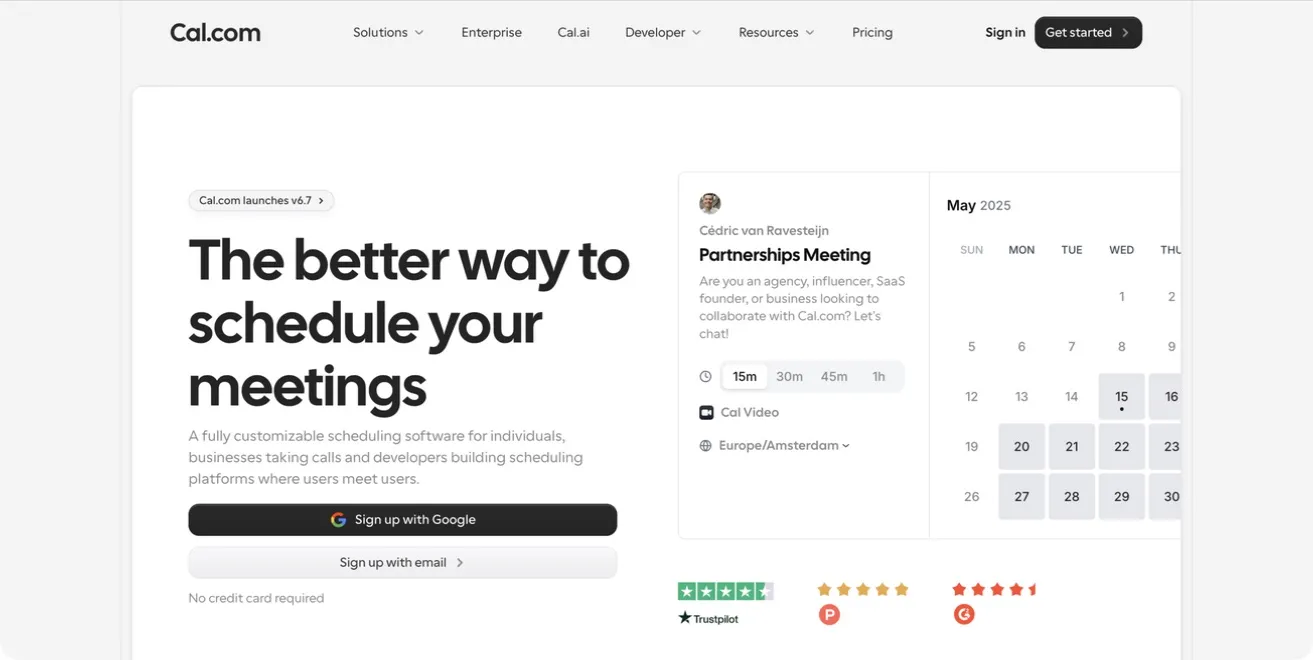
there is one current wrinkle. the old calcom/cal.com repository now redirects to Cal.diy, a community-maintained MIT edition with the commercial features removed. its own README recommends it for personal, non-production use and points businesses toward Cal.com. i would use hosted Cal.com or treat Cal.diy as a lab project until its production support story matches the job.
money, signatures, and the office paper pile
Midday combines time tracking, invoices, receipt and transaction matching, file storage, accountant exports, and an assistant for financial questions. that is an appealing set of tools for a solo operator or a very small shop because the receipt, the time entry, and the invoice stop living in unrelated boxes.
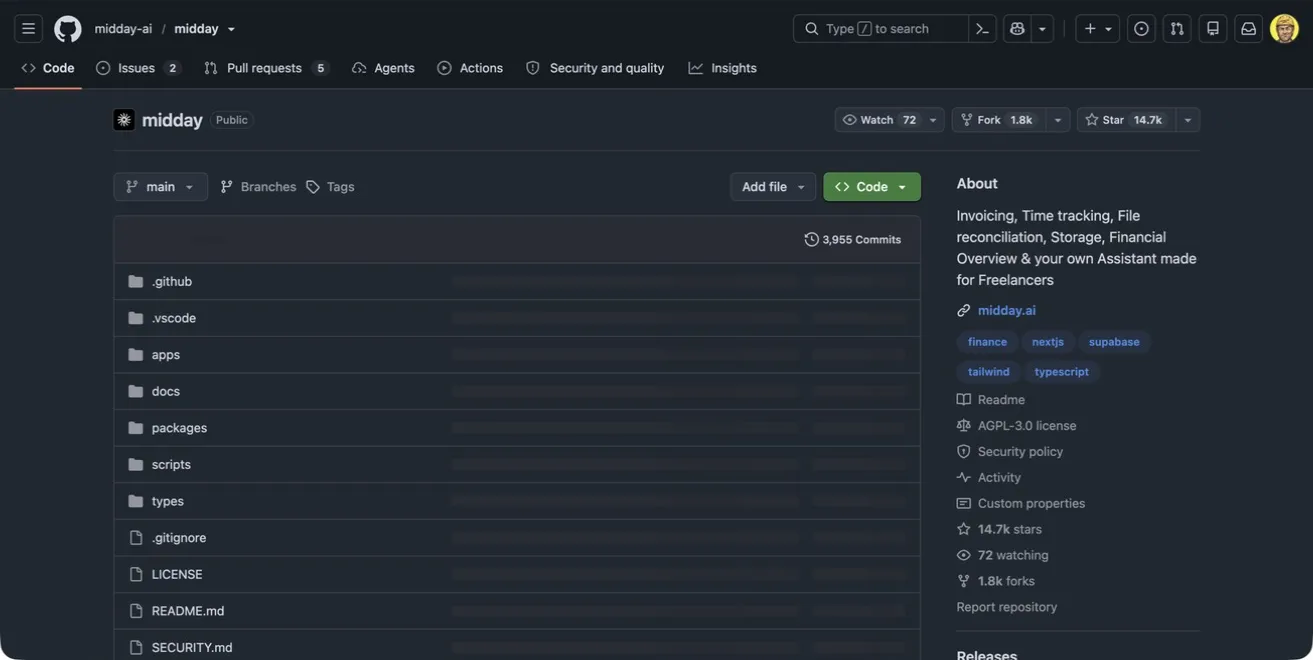
but read the license before installing it for a company. the current repository says its AGPL code is for non-commercial use and asks commercial users, or anyone charging a setup fee, to obtain a commercial license. so Midday belongs on the evaluation list, not the “free software for my business” list.
i would also keep the actual books under a bookkeeper’s eye. a nice dashboard does not make sales tax, payroll, or job-cost accounting less real.
DocuSeal handles PDF forms and electronic signatures. the community version has multiple signers, automated email through your SMTP server, API access, webhooks, signature verification, and several storage choices. that gives you a straight path from quote to signature to a PDF attached to the job record.
some white-labeling, user roles, reminders, SSO, bulk send, and embedded signing features are part of DocuSeal Pro. again, check the edition. open source does not promise that every box on a product’s pricing page is in the free build.
listmonk is a self-hosted newsletter and mailing-list manager packed into one binary with PostgreSQL behind it. i like it for seasonal reminders, maintenance campaigns, and the occasional company update because the contact list and campaign history stay in a database i control.
the sending reputation does not come in the binary. i would still use SES, Postmark, or another reputable relay, then set up SPF, DKIM, and DMARC correctly. running a mailing list is one job. getting mail into the inbox is another.
team chat, social posts, routes, and meeting notes
Mattermost is an open-core, self-hosted collaboration platform with chat, calls, workflows, mobile and desktop clients, and several ways to integrate through APIs, webhooks, slash commands, and plugins. it could hold office channels, crew questions, job alerts, and the “who took the laser” discussion without charging for every person in the same way some hosted chat products do.
but i would not dump customer records into chat and call that organization. the job stays in Frappe. Mattermost gets a link and the alert.
Postiz schedules social posts, supports team collaboration and analytics, and has an API for automation. the project is AGPL licensed, and its current README says the hosted and self-hosted feature sets are the same. for a home services company, it is a place to queue before-and-after photos, hiring posts, storm notices, and seasonal maintenance reminders.
social networks change their APIs and rules constantly. self-hosting the scheduler does not remove that dependency. it just means you own the calendar, drafts, and the part of the workflow before each network accepts the post.
GraphHopper and VROOM solve two different pieces of routing. GraphHopper turns OpenStreetMap data into routes, travel times, turn instructions, isochrones, and map matching. VROOM takes the jobs, vehicles, skills, priorities, capacities, and time windows and works out a better order for the stops.
that pair can answer a useful morning question: which estimator or crew should visit these addresses, and in what order?
it is also real engineering work. clean geocoding, live traffic, technician territories, skill matching, lunch windows, emergency calls, and customers who can only meet after 3pm all have to be modeled. i would rent a dispatch product first if route optimization was not yet costing the company real money.
Meetily is an MIT-licensed desktop meeting assistant that records, transcribes, and summarizes locally. it can use local models through Ollama or several outside model providers for summaries. no meeting bot has to join the call, and the recording and transcript can stay on the machine.
that makes it a good base for office meetings, handoff notes, or a project review, followed by an approved summary written back to the correct job. record people only with their consent and under the rules that apply where you work. local storage does not make a recording invisible.
the dashboard and agent layer
once the core data is dependable, i would give whoever runs the company one board:
- estimates sent versus sold
- jobs signed but not scheduled
- callbacks by job type and crew
- cash collected this week
- aging quotes and overdue invoices
- permits, materials, or customer decisions blocking work
Frappe Insights, Metabase, or a small custom dashboard can all do the presentation. i would probably build the thin dashboard myself because the questions are specific to the company, and because i do not need another general-purpose tool with 400 buttons if six numbers run Monday’s meeting.
the deeper piece is an internal API and agent layer above the apps. it can pull the Monday report, search across job history, find work stuck between signed and scheduled, draft a follow-up, and explain which zip codes generate the most callbacks.
read access first.
customer messages, schedule changes, prices, refunds, and invoice adjustments stay behind approval until the agent has earned boring trust. i am bullish on agents, but “the model probably meant the right customer” is not an acceptable change-order process.
this is also where Ködade fits for me. it is the open-source agentic development environment i use to build and inspect the connectors, tools, dashboards, and code around the stack. it is the workbench, not another database the company has to keep in sync.
automation is glue, not the foundation
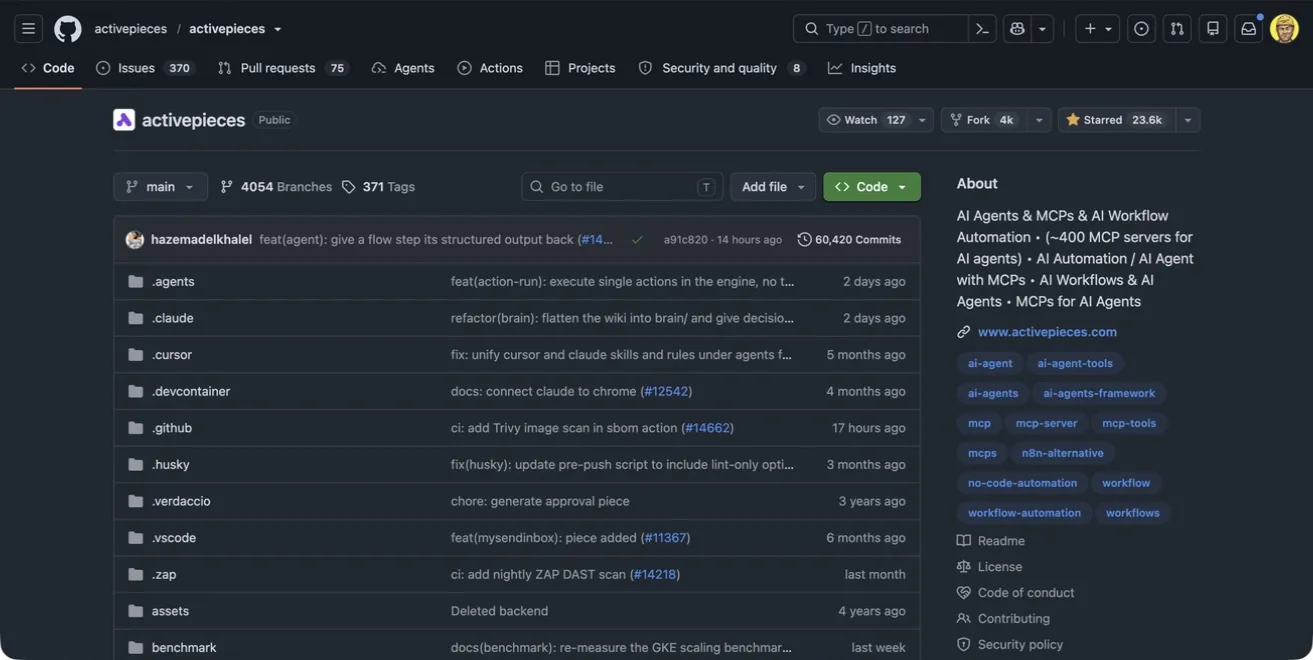
Activepieces is the automation option i would look at first. its Community Edition is MIT licensed, its integrations are TypeScript packages, and the visual builder supports branches, loops, retries, HTTP calls, code, versioned flows, and human approval steps. enterprise features use a commercial license.
that is a solid place to build flows such as:
Cal booking -> create Frappe lead -> notify office -> wait for approval -> send confirmation
n8n is another strong self-hostable automation platform with a large integration catalog, visual flows, code steps, and AI tooling. it is not open source under an OSI-approved license. n8n calls the project fair-code and distributes it under its Sustainable Use License plus an enterprise license. the source is visible and you can run it yourself, but the distinction matters if you plan to resell, embed, or offer the automation layer to clients.
for either tool, i would keep the important workflow visible in the system of record and make every step safe to retry. webhooks get delivered twice. APIs time out after doing the work. a flow that creates a second invoice every time it retries is an expensive little robot.
monitoring before AI diagnosis
if i am running the software, i own the 2am failure too.
start with plain uptime checks, backup alerts, disk-space warnings, and a restore test. when the stack has enough services and logs to justify it, OpenObserve can collect logs, metrics, traces, front-end monitoring, dashboards, and alerts in one AGPL-licensed observability platform.
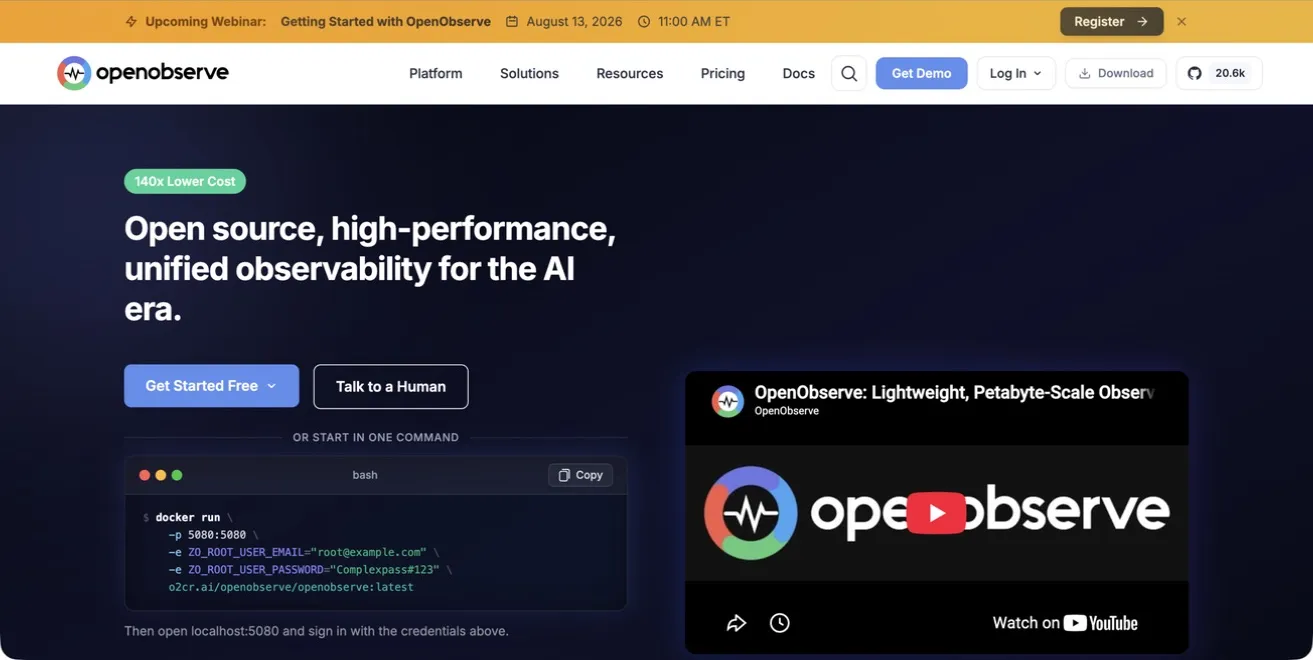
the monitoring system should answer the dumb questions reliably: is the CRM up, did last night’s backup finish, did the SMS queue stall, and is Cal still creating leads?
then let the agent read those signals for the interesting questions. what changed before failures started? are webhook retries climbing? did one release double response time? AI can help investigate. it should not be the only thing checking whether the server is alive.
what i would still pay for
owning more of the stack does not mean self-hosting everything with a logo.
i would still pay for:
- payments: Stripe or another established processor for deposits and final invoices. i am not becoming a card processor.
- SMS and voice: a Twilio-class carrier for reminders, missed-call text back, dispatch messages, and “on my way” notices.
- maps and geocoding: even with an open routing engine, clean addresses and current traffic can justify a paid service.
- frontier models: local models are useful workers, but i would still use frontier models where the reasoning quality earns the bill.
- hosted email: Google Workspace or a similar provider. i have enough hobbies.
and i might pay for managed hosting of an open-source app instead of running it myself. paying Frappe Cloud, the project vendor, or a capable operator can preserve data portability and customization without making the business owner the on-call Linux department.
what it actually costs
the software license may be $0. the system is not.
there is hosting, backups, offsite storage, DNS, email delivery, monitoring, upgrades, security patches, integration work, user training, and the person who can restore the database on Sunday morning. some of the tools above also have paid APIs, commercial editions, or licenses required for business use.
a small beginning might fit on one or two modest servers. a serious version with separate production and backup infrastructure, several databases, file storage, monitoring, and somebody responsible for it can cost real money before the first custom workflow is written.
and that can still be the right deal. the return is not merely a smaller monthly bill. it is the ability to add a warranty workflow, change an estimate screen, create a job type nobody sells as a module, or move the data without waiting for a vendor roadmap.
what i would install first
i would not install all of this in a weekend.
first: Frappe as the system of record, with only the records and roles needed to move a lead into a completed job.
second: the public site and estimate form feeding that core, plus the payment and SMS services customers already expect.
third: backups, monitoring, and a restore drill. before the fancy dashboard.
then i would add Cal, DocuSeal, listmonk, routing, automation, and agents one at a time. each addition needs an owner, a backup plan, an upgrade path, and a reason it saves more trouble than it creates.
open source gives you options. it does not give you fewer responsibilities.
if i were back at the whiteboard with a truck, a small crew, and a low tolerance for software rent, this is where i would start. what would you keep, replace, or leave as SaaS?